Your folders deserve
better icons.
Drag any picture in — get a real multi-size Windows icon out, stamped onto any folder in one click. Plus Windows' hidden icon library, a five-format converter, and a precision background remover. All in an app smaller than a screenshot.
Four tools. One tiny studio.
Every tool runs on your machine with engineering you can feel — stepped resampling for razor-sharp small sizes, live previews, and a glow that shows you the next step.
Make icon
Drop a PNG, JPG, BMP, GIF, or TIFF and get a true multi-size .ico
(16–256px, PNG-compressed). Then apply it to any folder — searchable picker,
zero manual desktop.ini surgery.
Windows icons
Browse the hundreds of icons hiding inside Windows itself — imageres, shell32, even the retro 95 pack — and stamp any of them onto a folder directly. No files copied.
Formats
One image in, five formats out: PNG, JPG, BMP, GIF, TIFF — saved right next to the original. Native Windows codecs, quality-tuned, LZW-compressed TIFF.
Cut background
A precision background remover with a genius twist: mark what you want to keep and crank the tolerance fearlessly. Zoom to 8×, loupe magnifier, three brush shapes, Ctrl+Z. Smooth anti-aliased edges.
See it for real.
No mockups here — these are actual captures of Pic2Icon v2.0.0 running on Windows 11.
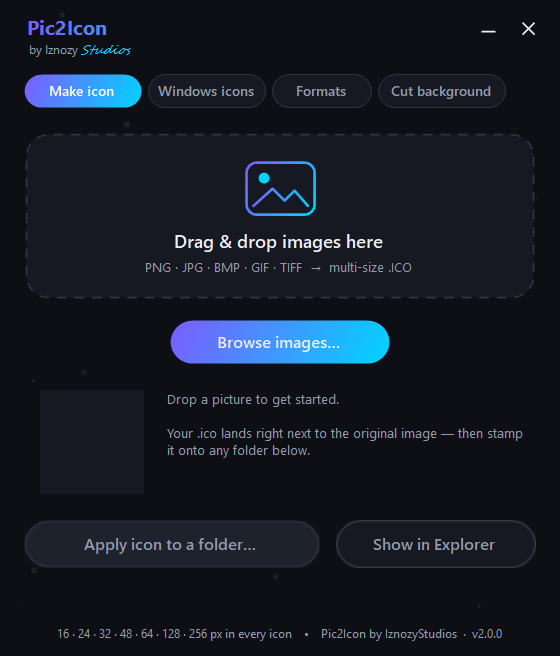 Drop a picture, get a real .ico — then stamp it on a folder
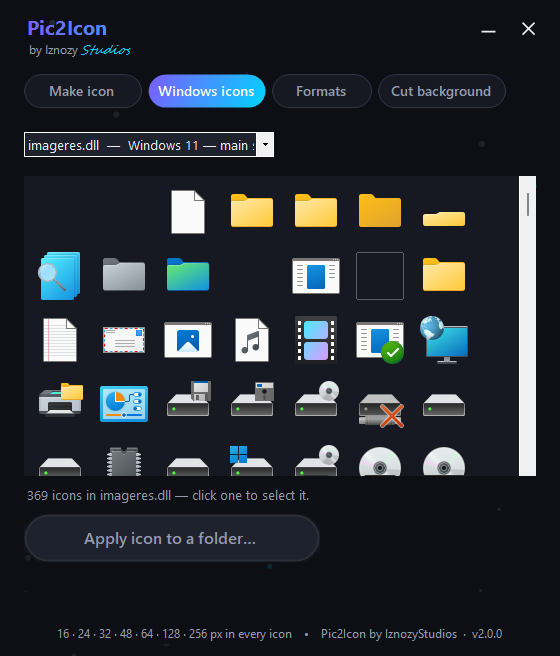 369 native Windows icons, extracted live from your own system
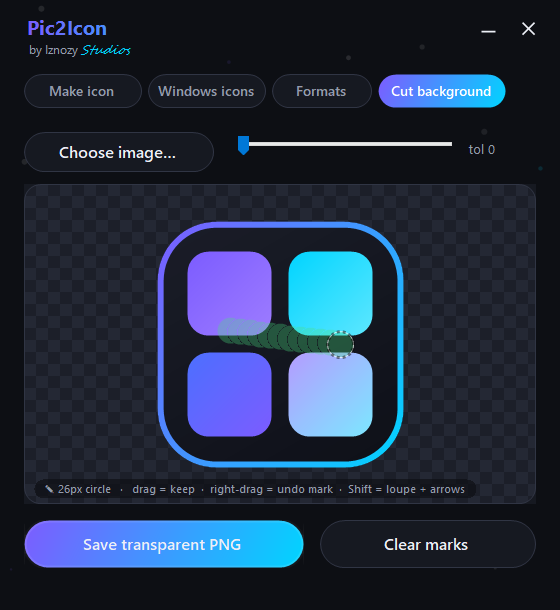 Paint what you want to keep — the remover can't touch it
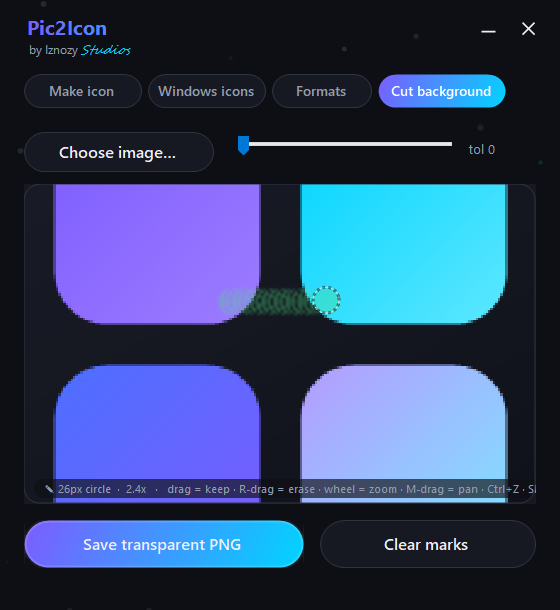 Zoom to 8× with a loupe for pixel-level precision
What your files turn into.
The folder glow-up
Any boring yellow folder becomes a branded, findable landmark. Icons travel with the folder.
Backgrounds, gone
Flood the background away and keep every pixel you marked. ✎ green marks = untouchable
One drop, five formats
Every conversion saved right next to the original. Native codecs, quality-tuned.
Folder icon in three moves.
Drop your picture
Any image, any size. Pic2Icon builds a crisp seven-size icon using stepped high-quality resampling.
Pick the folder
The modern Explorer picker opens — search your folder by name, no digging through trees.
Done
Pic2Icon wires the icon in, hides the plumbing files, and tells Explorer to refresh. Your folder just got a personality.
The offline vow.
Pic2Icon contains no networking code. It cannot upload your images, phone home, or track you — even by accident. Web converters run your files through ad servers; Pic2Icon never lets them leave your machine. That's not a setting. It's the architecture.
Get Pic2Icon.
Free. No nags, no watermarks, no account. Choose the installer for shortcuts and clean uninstall, or the portable exe that runs from anywhere — even a USB stick.